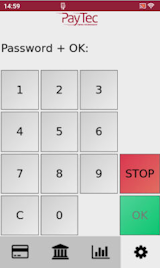
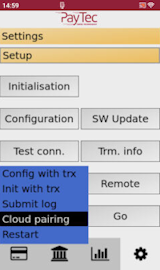
1. Open the merchant menu, go to settings and enter the merchant password
2. Open the setup section
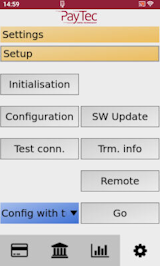
3. Select the cloud pairing option, press "Go" and enter the merchant password again.
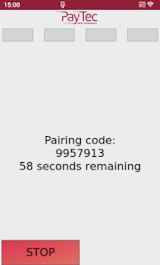
4. The terminal generates the pairing code
5. Enter a terminal name and the code on the website
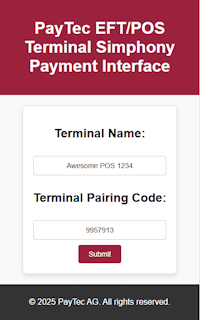
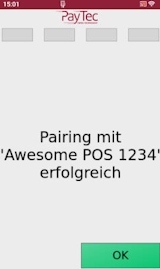
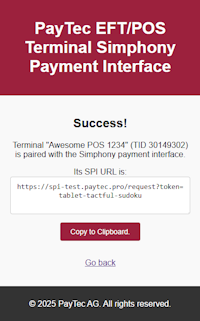
6. If the pairing was successful, the terminal shows the input terminal name and the website will show the SPI URL